IT Infrastructure Management
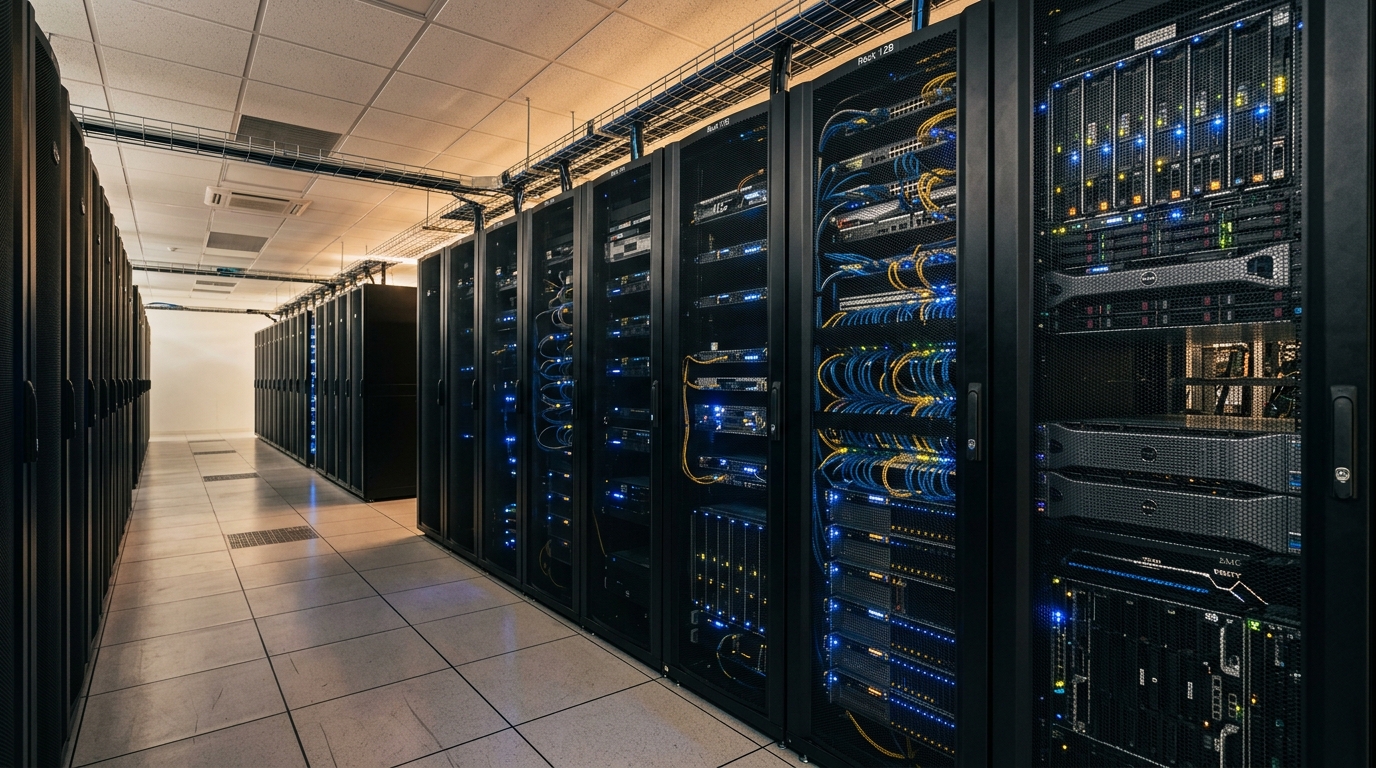
Right-size compute, storage, and supporting systems for the applications and teams that depend on them. Scope can cover a new deployment, an upgrade, or ongoing maintenance of an existing environment.
Plan the environment
- Review workloads, capacity needs, dependencies, and site constraints
- Define server, storage, virtualization, and network components
- Plan power protection, backup, and recovery requirements
Server and storage
- Server and NAS/SAN storage selection and configuration
- Virtualization options such as VMware or Hyper-V
- Data redundancy and backup design based on recovery needs
Maintain and upgrade
- System health checks and performance review
- Software updates and security patching
- Hardware lifecycle and upgrade planning
Security Surveillance Systems
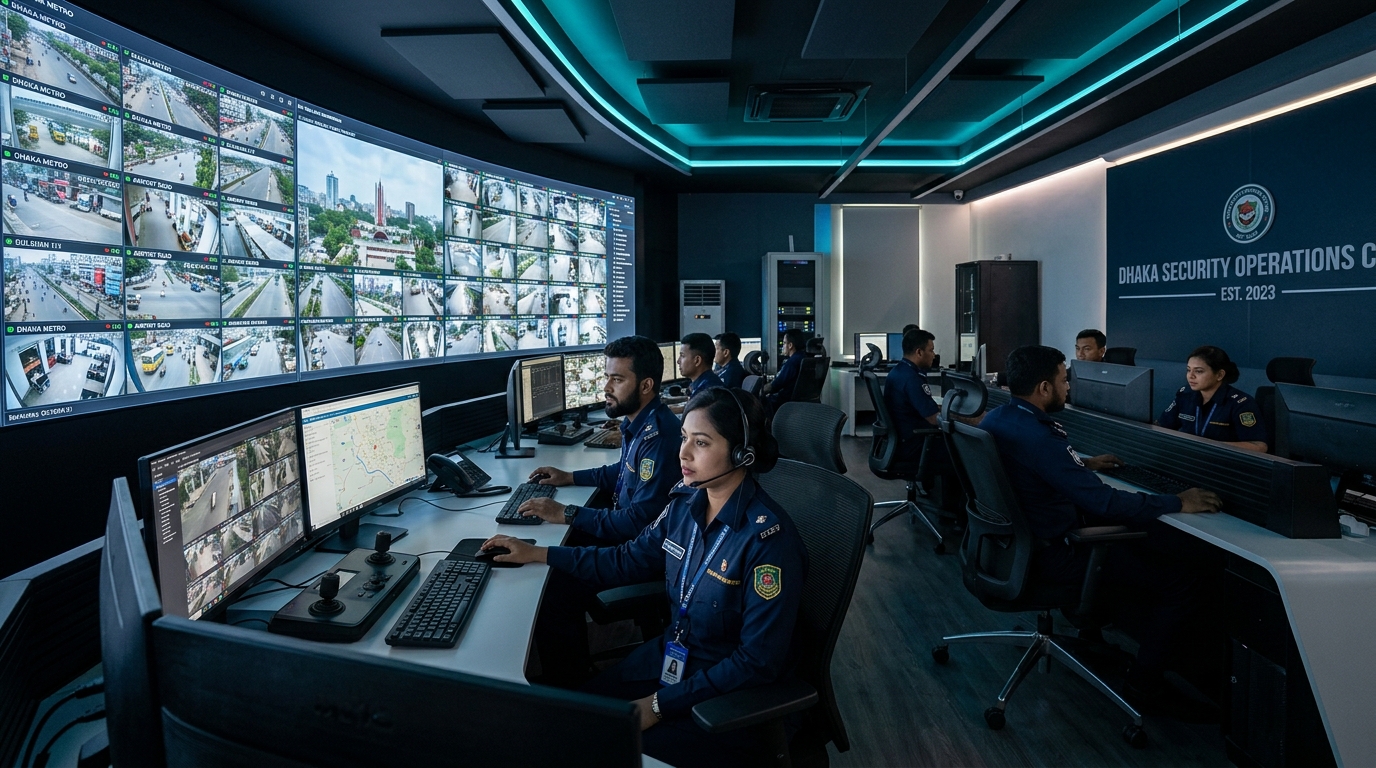
Plan camera coverage around entrances, work areas, perimeters, and the footage your team may need to review. The layout, recording period, and remote access options depend on site conditions and project requirements.
Coverage and recording
- Select indoor or outdoor camera types for each location
- Plan field of view, lighting, cabling, and NVR/DVR capacity
- Consider motion detection and tamper alerts where appropriate
Access and review
- Configure live viewing on approved mobile, desktop, or control-room devices
- Set recording and retention requirements for the project
- Review options for centralized video management
Upkeep
- Plan inspection and maintenance for cameras and recording equipment
- Troubleshoot image, connectivity, and storage issues
Networking Solutions
Unreliable links, congested wireless, or inconsistent access between sites can interrupt everyday work. Plan network capacity, coverage, and security around users, applications, locations, and the existing environment.
Cabling and wireless
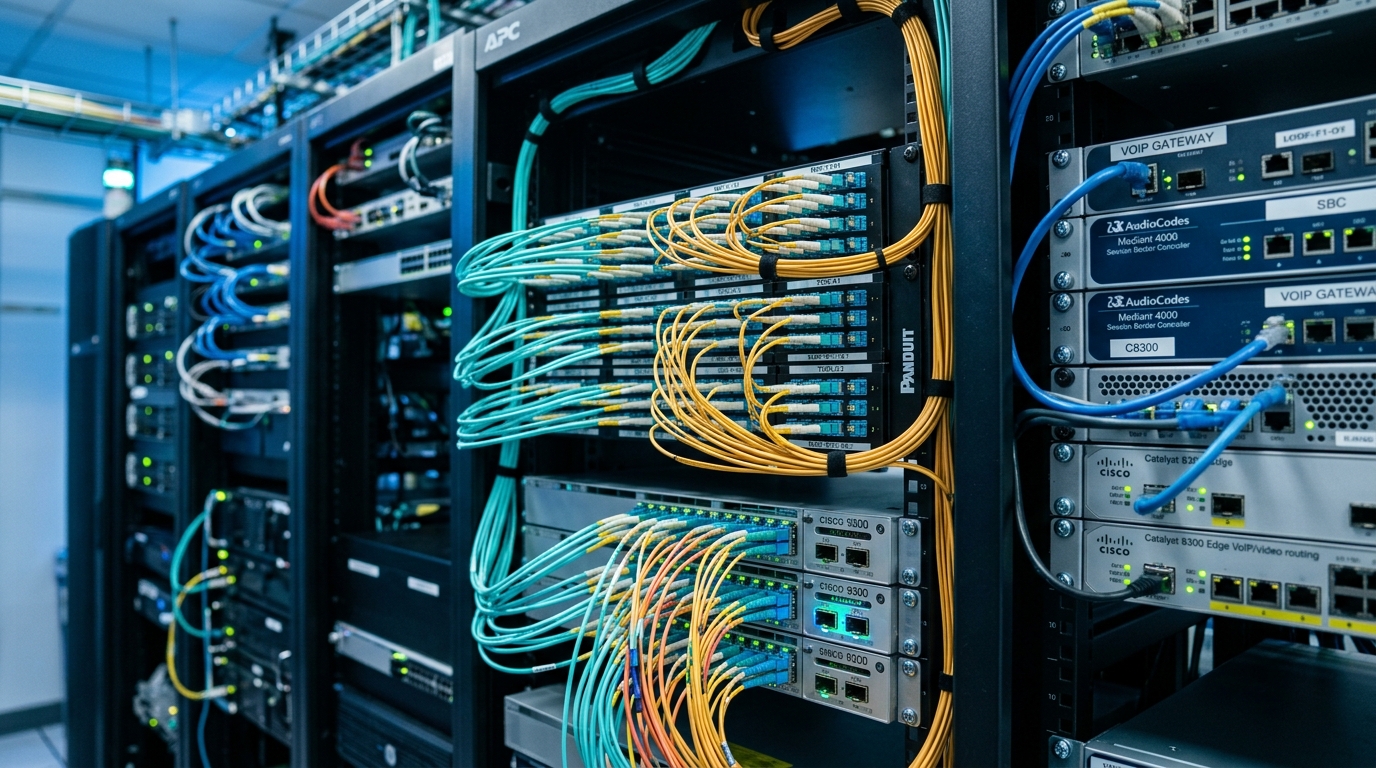
- Structured copper or fiber cabling options for the site
- Wireless access point placement and coverage planning
- Network segmentation for data, voice, and video traffic
Connect sites and systems
- LAN/WAN design for offices and multi-site environments
- VPN or MPLS connectivity options
- Integration with cloud and hybrid environments
Performance and security
- Review bandwidth use, latency, and network bottlenecks
- Configure QoS, firewall, VLAN, and VPN options as required
- Plan monitoring and hardware or firmware maintenance
Video & Audio Conferencing
Poor room audio, difficult setup, and incompatible meeting tools can make hybrid meetings harder to run. Match room equipment and platform integration to room size, participant needs, and the tools your organization uses.
Room equipment
- Camera, microphone, speaker, and display options by room
- Room control and connection requirements
- Audio pickup and camera coverage planning
Meeting platforms
- Compatibility planning for Zoom, Microsoft Teams, Google Meet, or Webex
- Room-based and personal-device participation
- Calendar and collaboration tool integration options
Setup and handover
- Install and configure the agreed room system
- Prepare user guidance for common meeting tasks
- Define support and maintenance scope for the deployed system
Cloud Services
Cloud decisions affect cost, access, data protection, and recovery. Assess workloads and constraints before selecting a public, private, or hybrid approach; service scope and provider costs depend on the chosen design.
Cloud environment
- Options across AWS, Microsoft Azure, and Google Cloud Platform
- IaaS or PaaS planning and configuration
- Virtual machines, network settings, and access controls
Migration and recovery
- Workload migration planning for cloud or hybrid environments
- Backup schedules, retention, and recovery requirements
- Disaster recovery design aligned with business priorities
Virtual workspaces and applications
- Virtual desktop infrastructure planning and deployment
- Remote access requirements for business applications
- Integration options for Microsoft 365, Citrix, or VMware Horizon
Managed IT Services & Support
Unclear support ownership can leave user issues, routine maintenance, and escalation gaps unresolved. Define which systems and users are covered, what support channels are available, and how priorities and response targets are agreed.
User and system support
- Remote troubleshooting and assistance for covered systems
- On-site support options based on agreed scope and location
- Prioritization and escalation rules defined for the engagement
Monitoring and maintenance
- Server and network health checks for covered equipment
- Review of performance alerts and recurring issues
- Operating system and software update planning
Coverage and service terms
- Document supported systems, users, hours, and contact paths
- Agree response targets and escalation responsibilities in writing
- Set reporting and maintenance expectations for the service
Telephony & PABX Systems
Missed calls, hard-to-manage extensions, or disconnected sites can slow customer and staff communication. Plan call routing and equipment around user roles, locations, and existing telephone services.
PABX and IP telephony
- Digital or IP-based PABX selection and configuration
- Extension management, call routing, voicemail, and IVR options
- SIP trunk requirements where applicable
Phones and intercom
- IP or analog deskphone configuration
- Intercom and reception console options
- Call recording or reporting requirements, subject to policy and system scope
Network & Environment Monitoring
Without visibility into device health, network load, or room conditions, teams may learn of a problem only after it affects operations. Select monitoring and alerting for the systems and environmental factors that matter at each site.
Network and system status
- Server and network health dashboards for selected equipment
- Bandwidth utilization and traffic review
- Availability tracking based on agreed monitoring scope
Alerts and investigation
- Configure alerts for selected status or performance thresholds
- Review trends to inform capacity planning
- Consider temperature, humidity, or power sensors where needed
- Define notification and escalation paths
Access Control & Security
Define who can enter which areas, how permissions are managed, and what records the site needs. Select readers and controls to suit entry points, operating procedures, privacy requirements, and existing systems.
Entry and permissions
- Card, fingerprint, or face-recognition reader options
- Access groups and permissions by area or user role
- Door and gate control requirements
Site administration
- Attendance or access reporting requirements
- Visitor management options
- Review integration needs with existing systems and procedures
Web & Mobile Application Development & Maintenance
Web application projects can include new development, modernization, integrations, and maintenance. Mobile work focuses on lightweight Flutter apps for portfolios, service information, and customer communication, with limited custom business logic. Scope each project around workflows, the current codebase, security priorities, and release requirements.
Modernization and upgrades
- Review the current application architecture and framework or CMS dependencies
- Review dependencies, database behavior, and compatibility risks
- Plan changes in stages where the application requires it
Mobile applications
- Lightweight Flutter apps for portfolios and service information
- Content-led customer communication experiences
- Projects scoped to limited custom business logic
Maintenance and security
- Bug fixes, codebase review, and performance improvements
- Dependency updates and security remediation
- Agree monitoring, maintenance, and response scope for ongoing work
Integrations and deployment
- REST or GraphQL API and third-party service integration options
- Payment, SMS, ERP, or CRM integration requirements
- Deployment planning for cloud, VPS, or container environments



























 Chat on WhatsApp
 Find us on Facebook